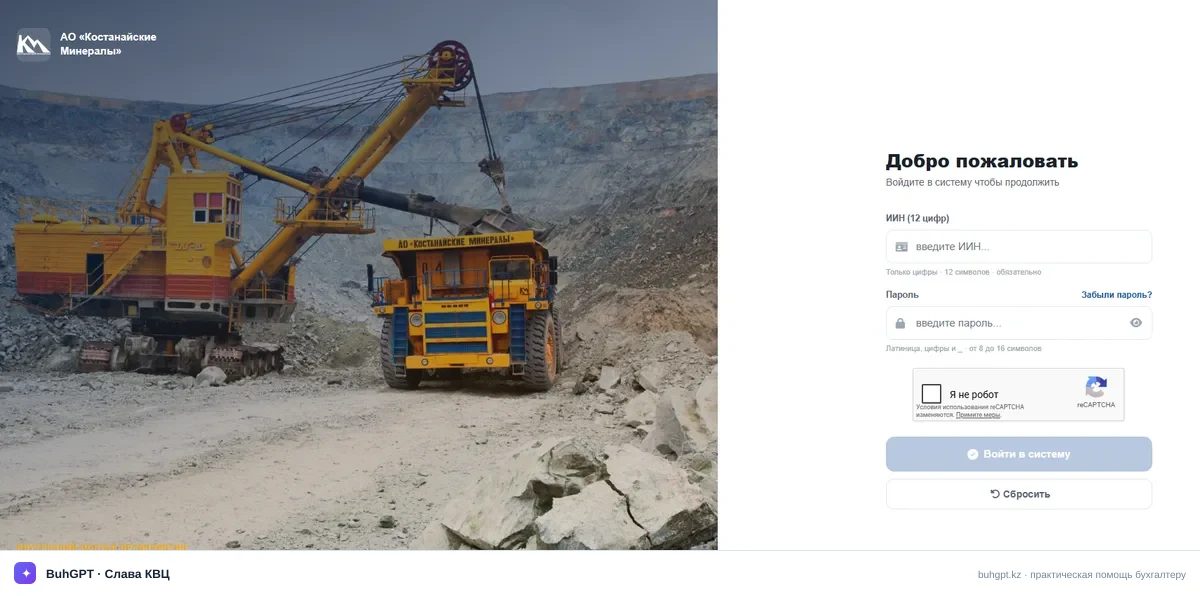
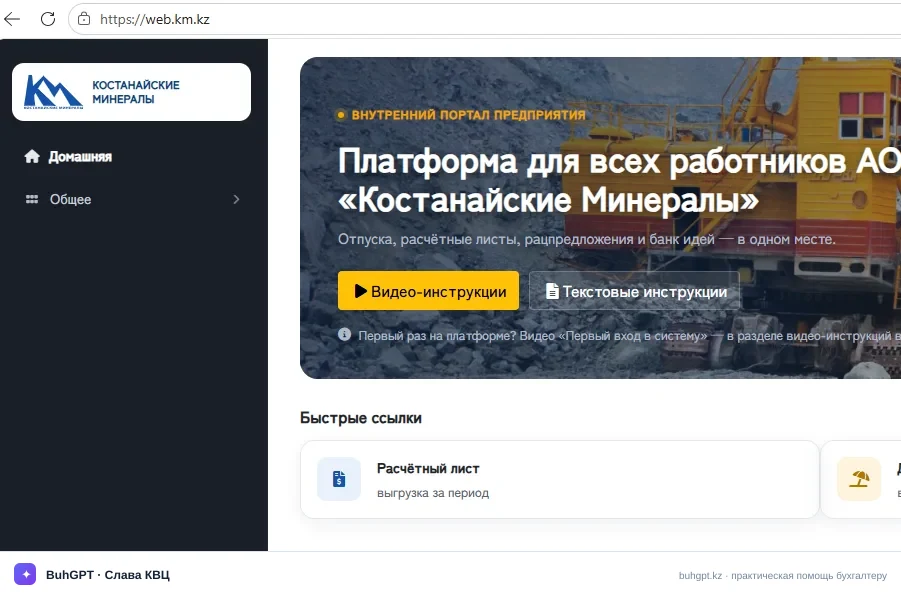
Employees can open their payslips on web.km.kz through their personal accounts on the company web portal. Sign in with the account provided by your employer, find the payroll documents section, select the month, and open or download the payslip. The organization that runs the portal determines the section names and the sign-in procedure. If you are having trouble signing in or cannot find a payslip for the month you need, contact the portal administrator, HR, or accounting. Below we cover what a payslip should include, what the accountant is responsible for, and what to do if you find an error.
How electronic payslips work
Many companies in Kazakhstan now publish payslips in employees’ personal accounts instead of printing them. This reduces paperwork for employers and lets employees check their earnings at any time, including between paydays.
The process usually works as follows.
The accounting department finalizes payroll for the month in the accounting system.
Each employee’s payroll data is uploaded to the portal.
Employees sign in to their personal accounts to view the payslip for the relevant period.
Employees can save or print the payslip if needed.
Employees can see only their own data. Other employees’ earnings are inaccessible to them. Salary information is personal data, so the employer is responsible for controlling access.
What a payslip should include
The labor laws of the Republic of Kazakhstan require employers to tell employees how their pay is made up. A payslip provides this information. It typically includes the following sections.
Earnings
Base pay or pay at the applicable wage rate for time worked
Bonuses, allowances, and additional pay for taking on duties of another position, working overtime, or working on days off and public holidays
Vacation pay and compensation for unused leave
Employer-funded temporary incapacity benefit
Other payments provided for in the employment contract or collective agreement
Deductions from employee income
Individual income tax (IIT)
Mandatory pension contributions (MPC)
Employee contributions to compulsory social health insurance (CSHI)
Deductions made at the employee’s request or under enforcement documents
Payroll summary
Amount payable
Payments made during the month (advance pay) and outstanding balances at the start and end of the period
Days and hours worked
The employer pays certain amounts out of its own funds. These include mandatory employer pension contributions, social contributions, employer contributions to CSHI, and social tax. These amounts are not deducted from the employee’s pay. Depending on the company’s payslip format, they may appear for information only or be omitted.
For rates, thresholds, and deductions in 2026, use only the versions of the Tax Code of the Republic of Kazakhstan and the laws on pensions and health insurance currently in force. Double-check older reference materials and templates.
What accountants should check before publishing payslips
Employees treat the payslip on the portal as an official document. Errors can therefore lead to questions, complaints, and disputes. Check the following before uploading payslips.
- Timesheet. The time worked shown on the payslip must match the timesheet.
- Personnel changes. Transfers, new base salaries, leave, and sick leave must be recorded before the month is closed.
- Tax deductions. The standard deduction and other deductions are applied only on the basis of a request and supporting documents.
- Deductions under enforcement documents. The amount withheld must stay within the statutory limit.
- Amount payable. It must match the amount on the payroll payment statement or the bank transfer register.
- Data to upload. Each payslip must be accessible only to the employee it belongs to. The records of employees who have left or recently joined must be uploaded correctly.
If payroll is recalculated after publication, inform employees and post an updated payslip. Otherwise, employees may receive a different amount from the one shown in their accounts.
What to do if an employee finds an error or cannot see their payslip
There are three common situations.
The employee cannot sign in to their personal account. This is a technical issue. The employee should contact the portal administrator or the employer’s IT department to regain access.
The employee can sign in, but the payslip for the month is missing. The accounting department may still be finalizing payroll or preparing the data for upload. The employee should ask accounting when the payslip will be published.
The figures look wrong. The employee should contact the accounting department in writing and specify the month and line item in question. The accountant checks the source records (timesheets, orders, and requests) and either explains the calculation, makes an adjustment in the next period, or corrects the current period. If the employee disagrees with the response, they have the right to contact the employer’s conciliation commission or the labor authorities. This is the procedure for resolving individual labor disputes under the Labor Code of the Republic of Kazakhstan.
Frequently asked questions
Can I print a payslip from web.km.kz? — Usually, yes. If the portal has a save or print feature, you can download and print the payslip. If a bank or government agency requires a signed and stamped certificate, request it separately from the accounting department. A printout from your account cannot serve as that certificate.
Does my employer have to give me a paper payslip? — The employer must tell employees how their pay is made up. An electronic payslip in the employee’s personal account is a common way to do this. If you need a paper copy, you can ask the accounting department for one.
Why does the amount on my payslip differ from the amount deposited into my card account? — The most common reasons are that part of your pay was paid in advance, a deduction was made under an enforcement document, or your pay for the previous month was recalculated. Check the “Paid” and “Withheld” lines. If the amounts still differ, contact the accounting department.
Does the payslip show contributions paid by the employer? — Not always. Employer-funded contributions and taxes do not reduce the amount payable to the employee. The company decides whether to show them on the payslip.
Who is responsible for the accuracy of the data on the portal? — The employer’s accounting department is responsible for payroll calculations, and the portal administrator manages access and keeps the portal running. Contact accounting with questions about the figures and technical support with sign-in problems.